 Fire TV playback
Fire TV Stick or Fire TV
With Syrup installed on a supported Fire TV, pair your TV and choose your menu. No computer needs to stay connected.
Fire TV setup guideDigital beer menu boards for breweries
Digital tap lists for breweries. Update taps in one dashboard and keep your taproom TV menu current.
Free early access. No card required.
Real product demo
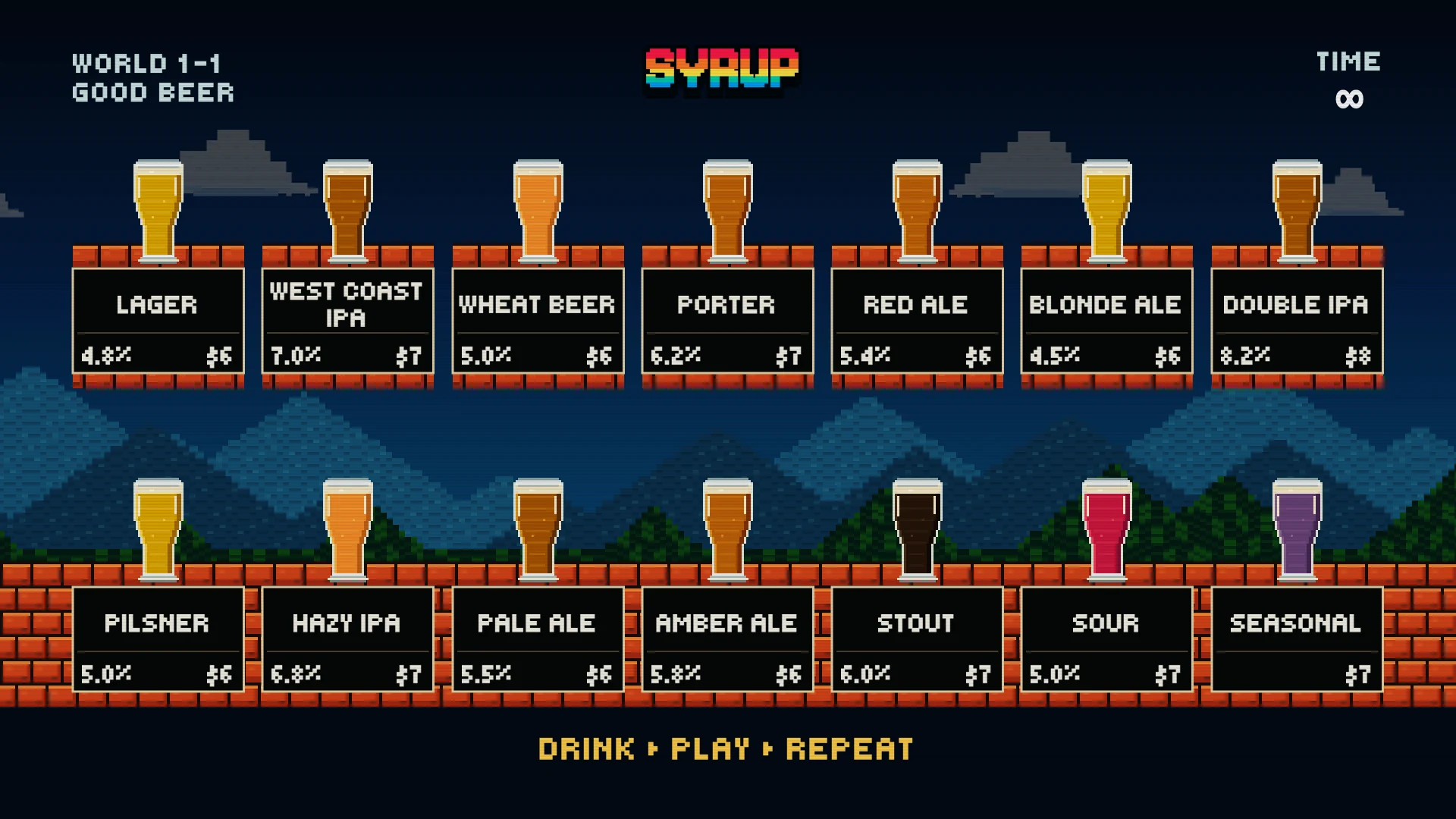
Fourteen pixel beers, rainbow lettering, floating bricks, and a scrolling video game landscape.
Real Syrup designs
How it works
Add your items, make it yours, and choose how to display it.
Add your items, prices, and availability.
Pick a template or start fresh.
Publish your menu, then choose how to display it.
Fire TV playbackWith Syrup installed on a supported Fire TV, pair your TV and choose your menu. No computer needs to stay connected.
Fire TV setup guideCast your published menu from a Chrome tab on your computer to a Chromecast, Google TV Streamer, or TV with Google Cast.
Use the same Wi-Fi network and keep your computer awake with the menu tab open.
Open your published menu on a Mac and mirror its screen to an Apple TV or an AirPlay-compatible TV.
Your Mac stays awake with the menu visible. Apple TV receives the mirrored screen; it does not run the Syrup app.
Connect your computer to a TV with an HDMI cable and show your published menu full screen.
Keep the computer connected and awake. You may need a compatible video adapter.
The app plays your menu directly on the TV. Fire TV mirroring support varies by model; do not assume a Fire TV Stick accepts Google Cast or AirPlay.
Built for the room
Boards begin with taps, pours, beer styles, and the visual rhythm of a real brewery menu.
When the lineup changes, edit the tap list and publish the current board without rebuilding the screen.
Show your menu from a computer, or let the Syrup Fire TV app play it directly on your screen.
Open early access
Create your brewery, build a tap list, and publish as many boards as your taproom needs.
No trial countdown and no payment details. Use the product on a real display and tell us what gets in your way.
Create your breweryQuick answers
The practical details for getting a real board onto the wall.
Use the Syrup app on a supported Fire TV Stick or Fire TV, cast a Chrome tab from a computer to Chromecast or a TV with Google Cast, mirror a Mac to Apple TV or an AirPlay-compatible TV, or connect a computer with HDMI. Casting, mirroring, and HDMI need the source computer to stay awake with the menu open. The Fire TV app plays independently.
Edit the tap list in the dashboard and publish the updated board. The display link then serves the current published version.
Create your business, add your items, pick a template or start fresh, and publish your menu. Then open its display link on your computer or pair a Fire TV in the Syrup app.
Breweries created during early access receive complimentary access without a trial countdown. We will communicate before introducing any paid options.
Join free early access, choose a finished design, and publish the first Syrup board to your TV.
Free early access. No card required.